Jet Window
Coming to the App Store

Your flight,
ahead of the
announcement.

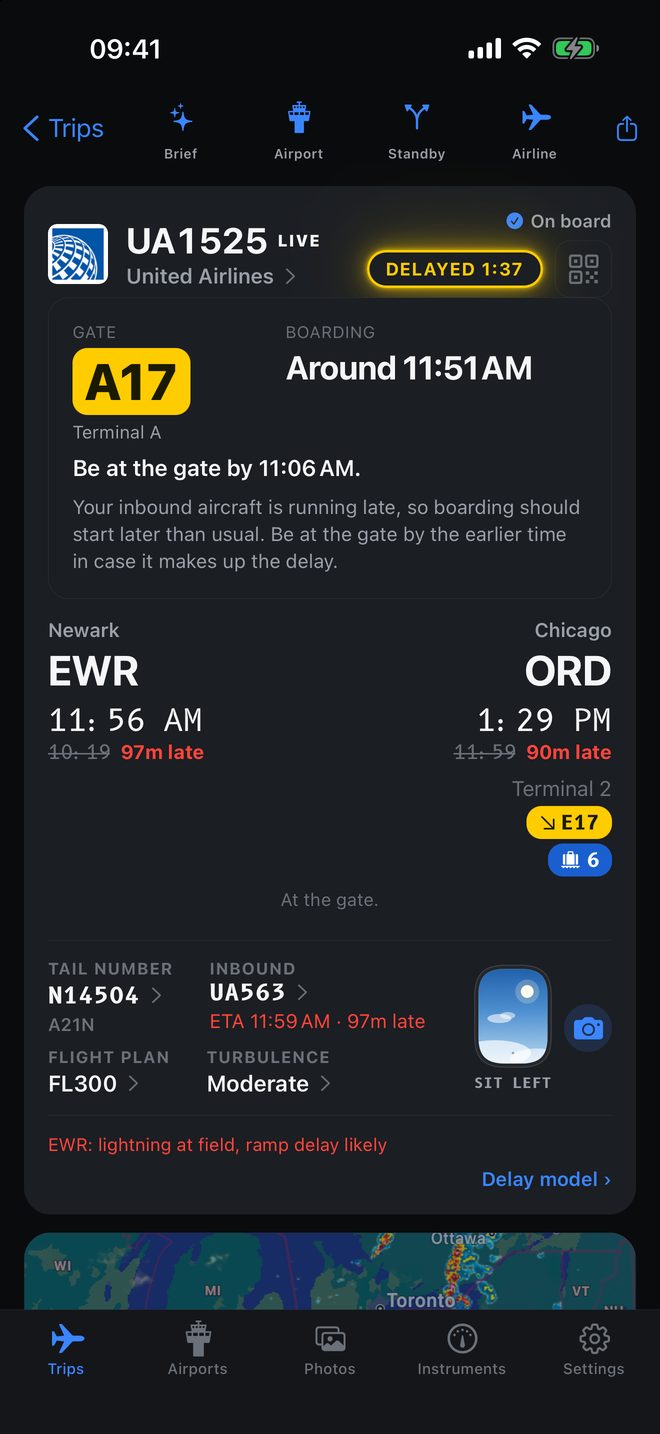
The aircraft that becomes your flight is still forty minutes out. Jet Window knows that, works out when boarding will actually start, and tells you when to walk to the gate. Your airline app repeats the timetable.

For iPhone

Built for people who fly often and would rather not find out last.

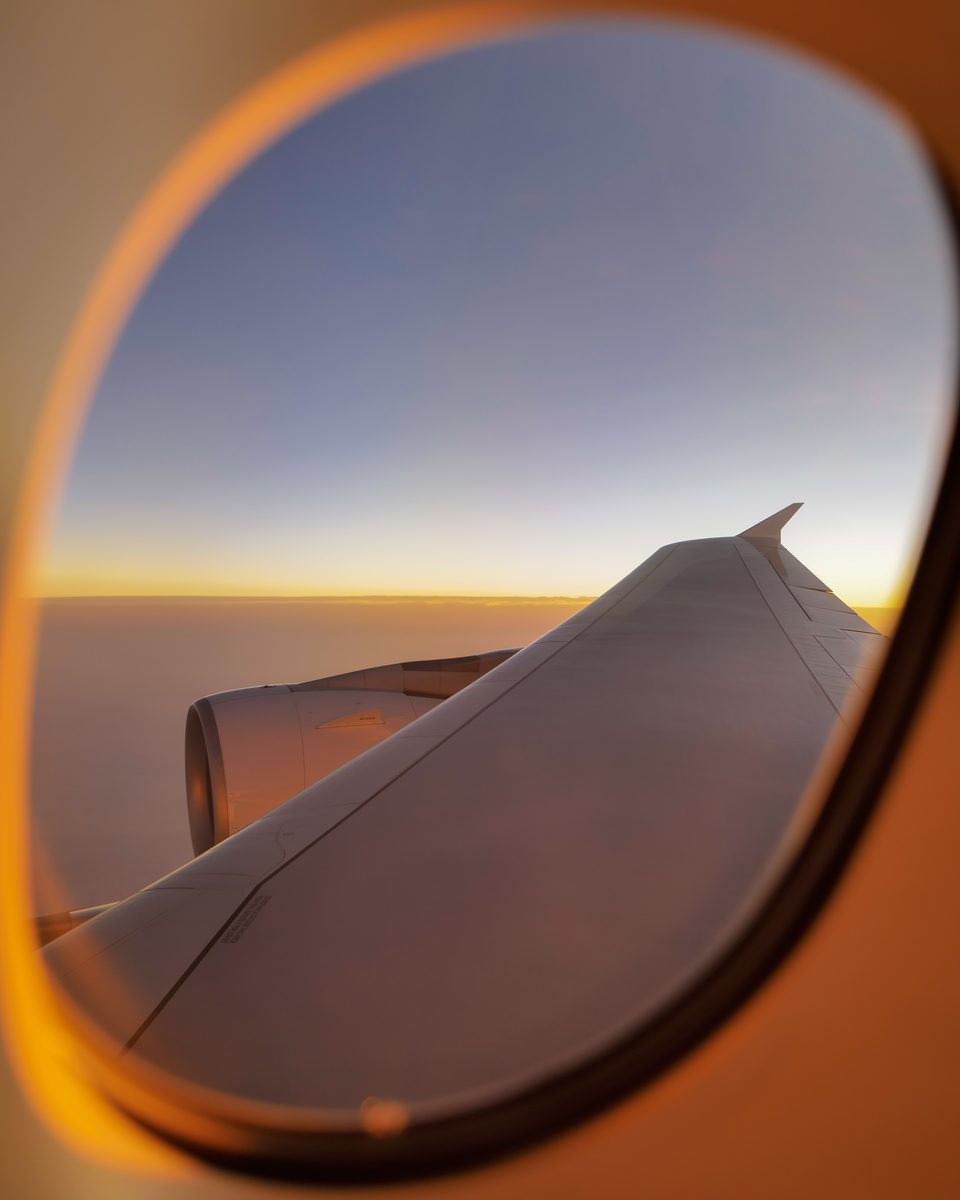
A cabin window at sunset Illustration of an aircraft window looking out over a sunset horizon, with a wing below and the caption Sit Left.
SIT LEFT
Sunset from the air en route
10 · 30 · 60
Minutes ahead, position predicted on the map with an uncertainty arc.
0 to 100
Delay risk scored at both ends, from FAA status and live weather.
28
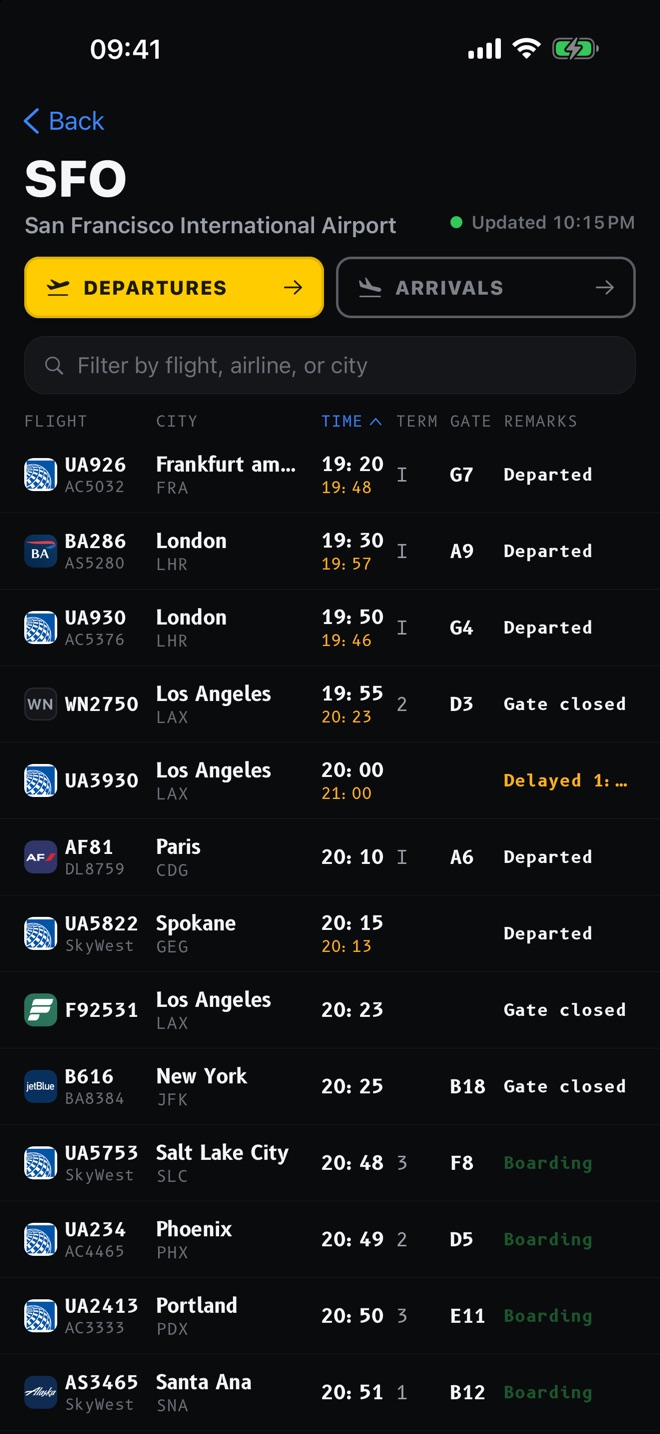
Airports with curated takeoff and approach views, tagged left or right.

01 The inbound aircraft

The airline gives you a time. Jet Window gives you the airplane.

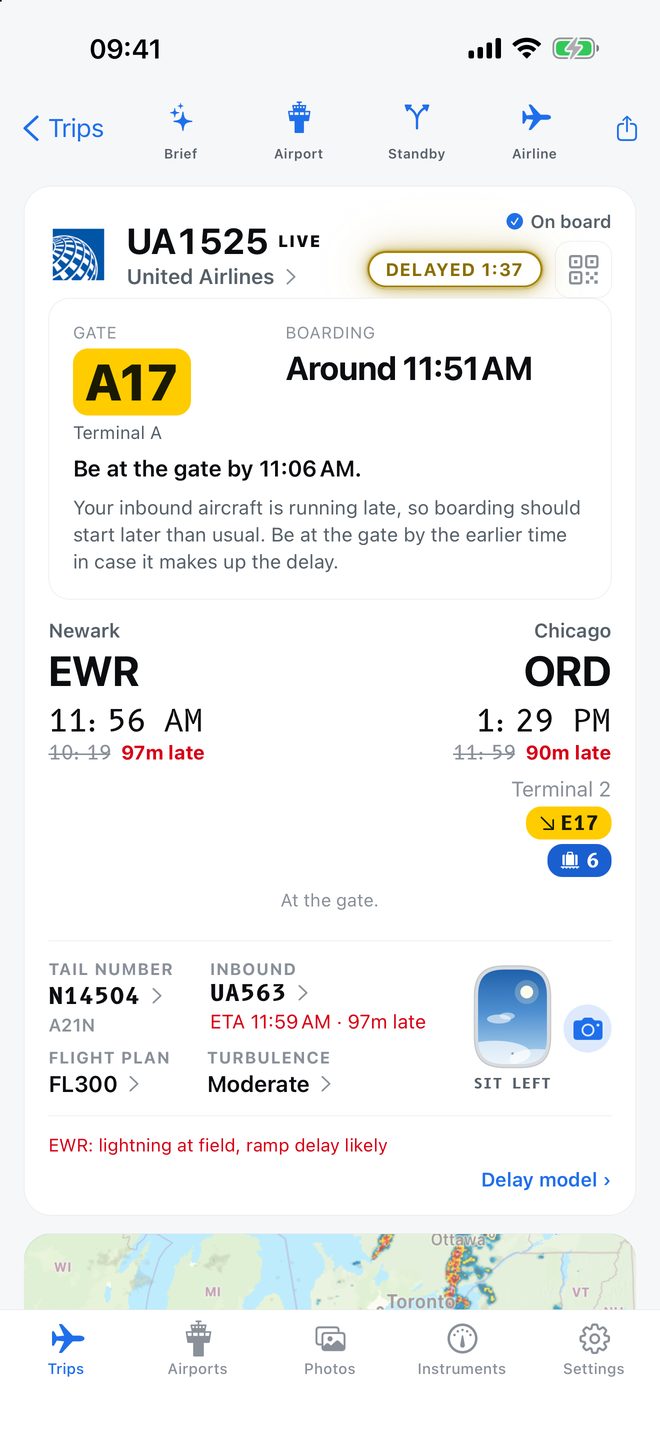
Your 6:40 departure is a particular aircraft finishing a particular earlier flight. If that aircraft is still airborne, your flight is not boarding, whatever the board says.

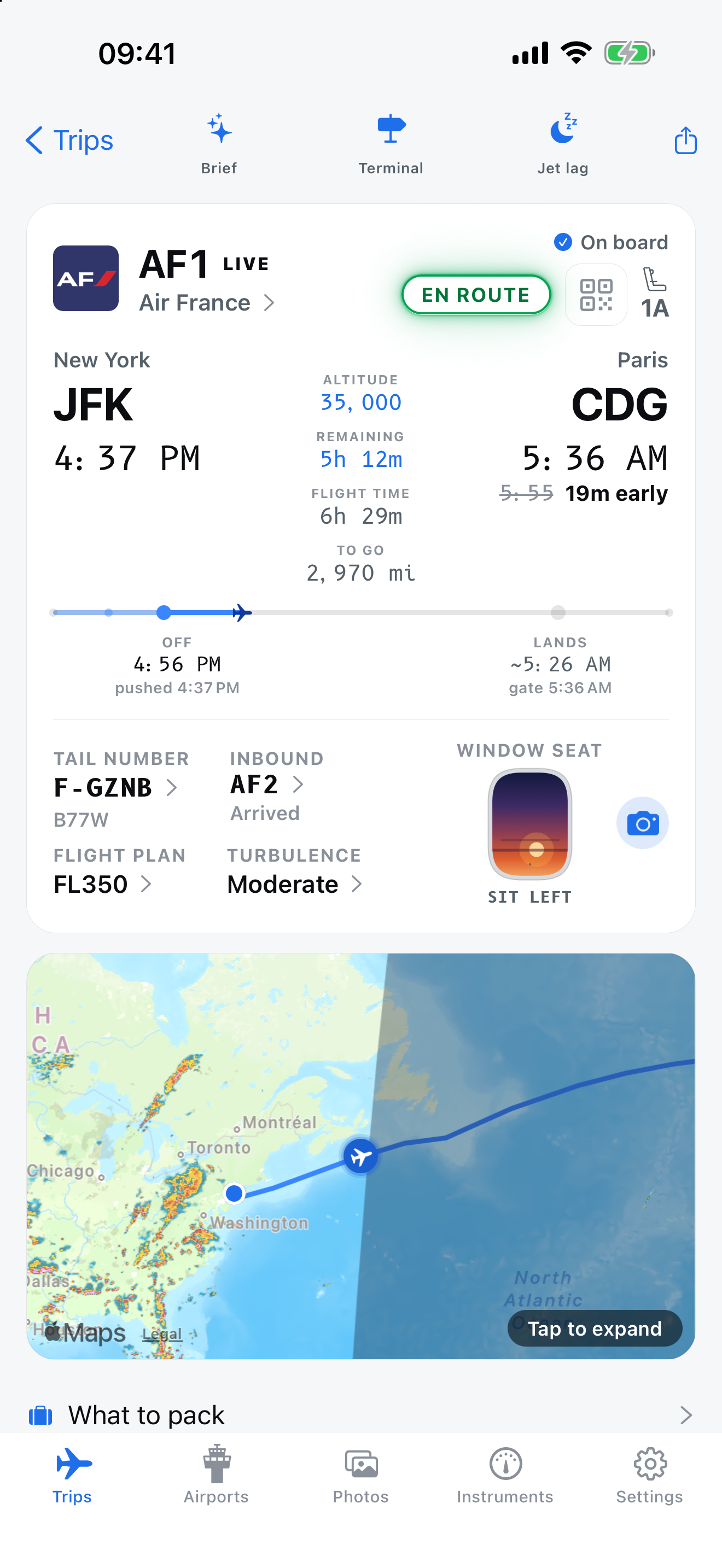
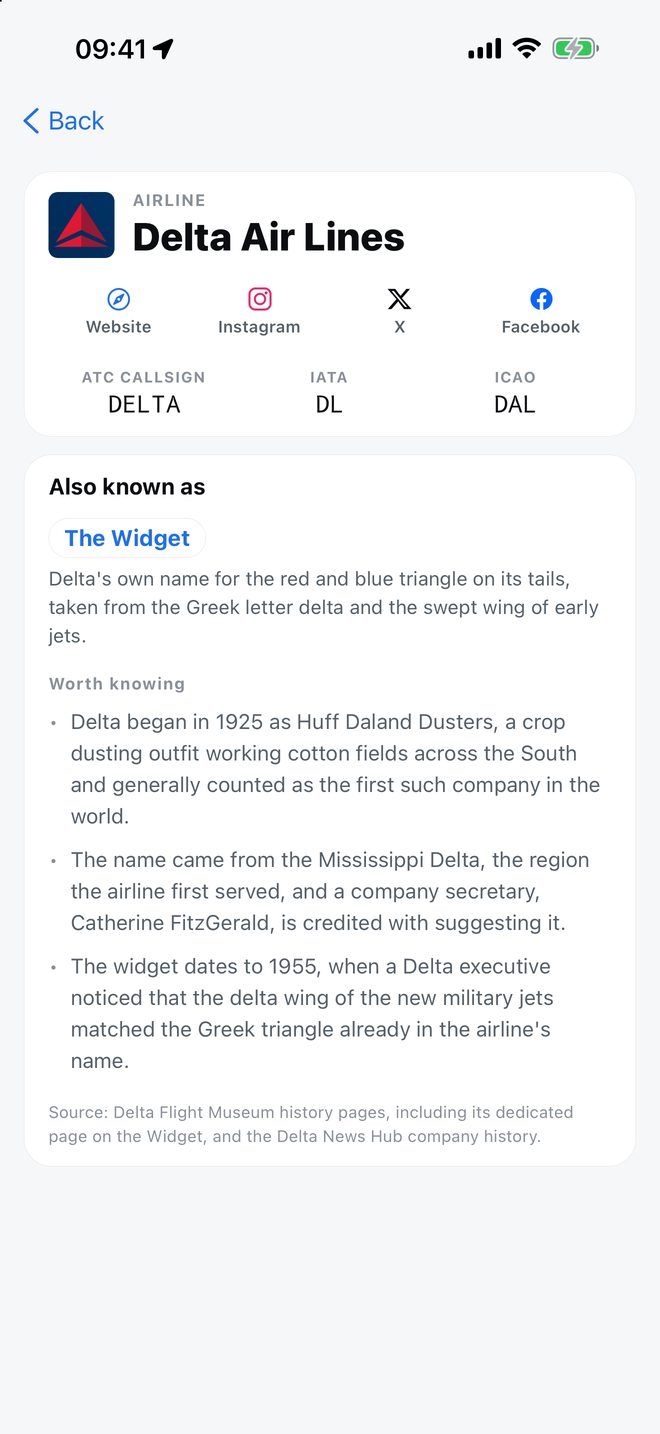
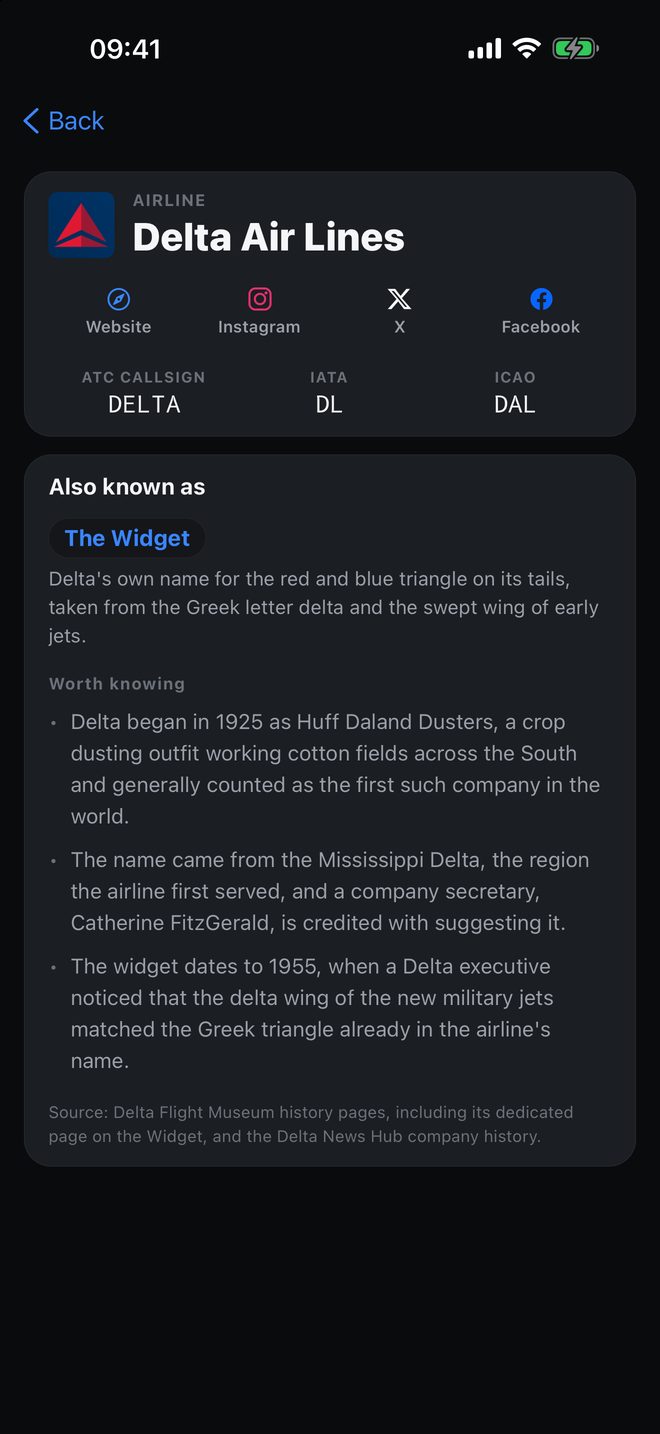
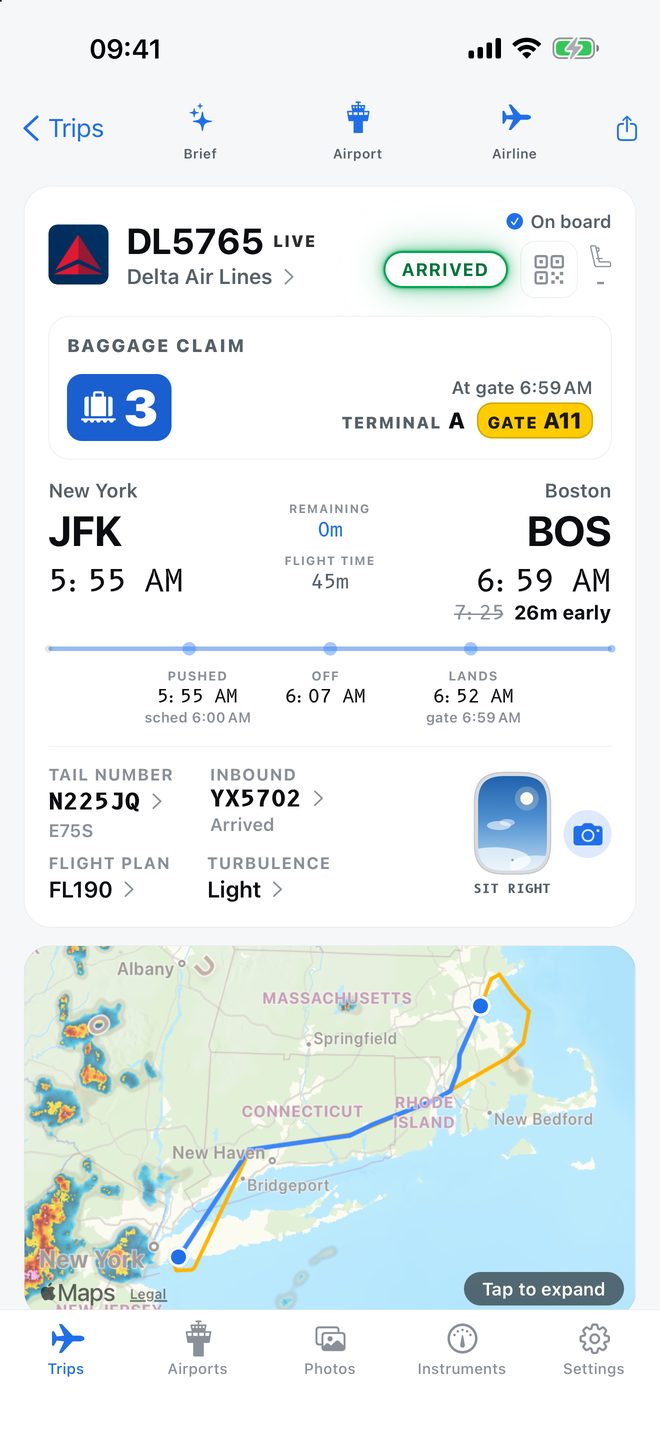
Jet Window finds the inbound leg, shows you where it is and when it lands at your airport, and flags it when it is running late. Then it predicts boarding from something real: the later of the airline's usual call and your inbound aircraft reaching the gate plus a turnaround. That is the number the walk to the gate should be built on.

Set by when your inbound aircraft reaches the gate, not the airline's early call.

Shown in the app under predicted boarding
  • Your inbound aircraftThe flight that becomes yours, where it is now, and the time it lands at your airport. Called out when it is more than fifteen minutes behind.
  • Predicted boardingThe later of the airline's normal lead time and your inbound aircraft reaching the gate plus a turnaround, held clear of the departure time.
  • Head to your gateOne nudge, five to twenty-five minutes before boarding actually starts. Not when the schedule says.
  • Leave for the airportOnce, between thirty minutes and two hours forty-five before the estimated departure, with the gate in the notification.
  • Now boardingHeld back until the inbound aircraft has actually blocked in, so it means what it says.

02 Window seat

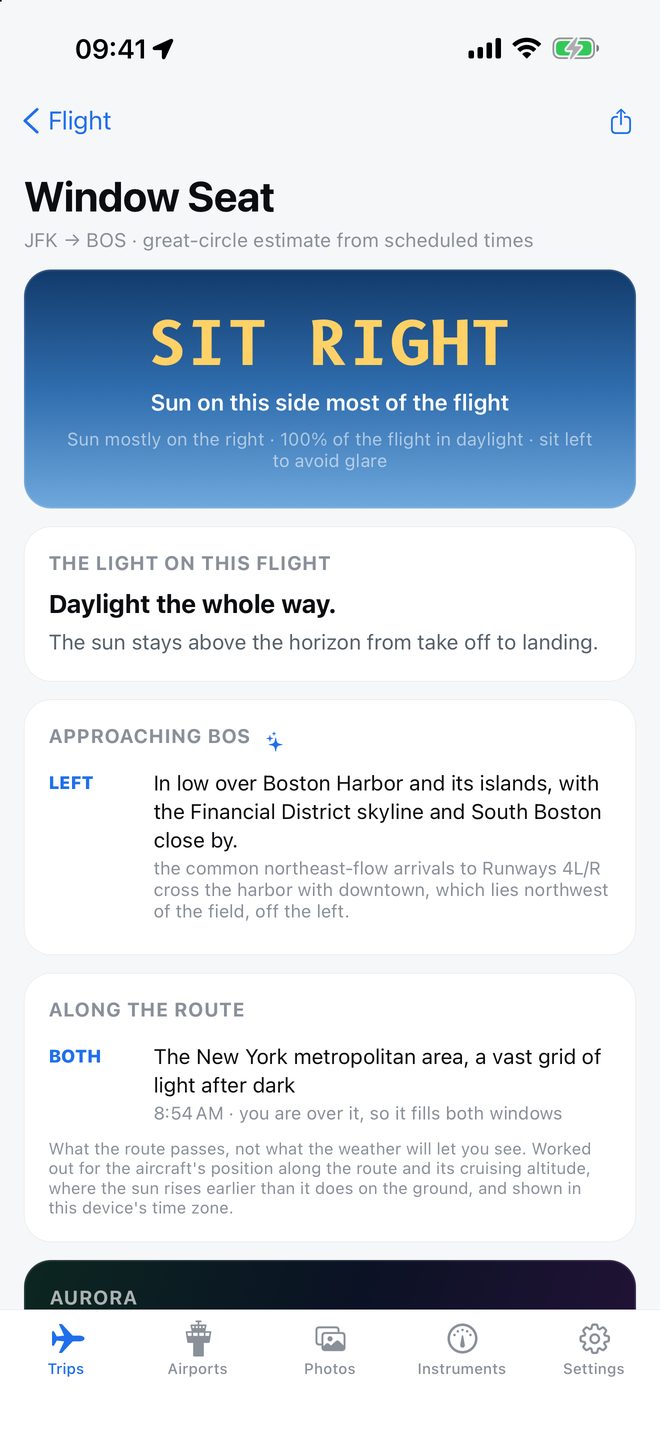
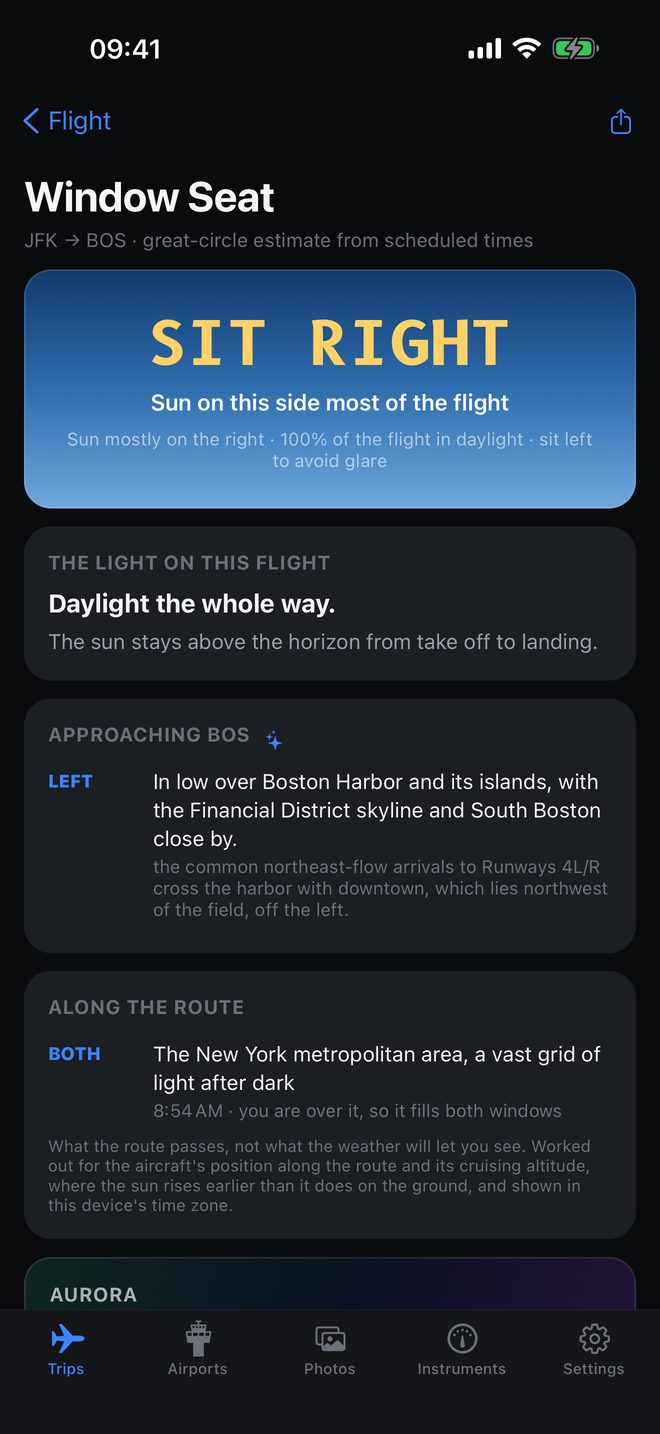
Which side to sit on, and what you will see.

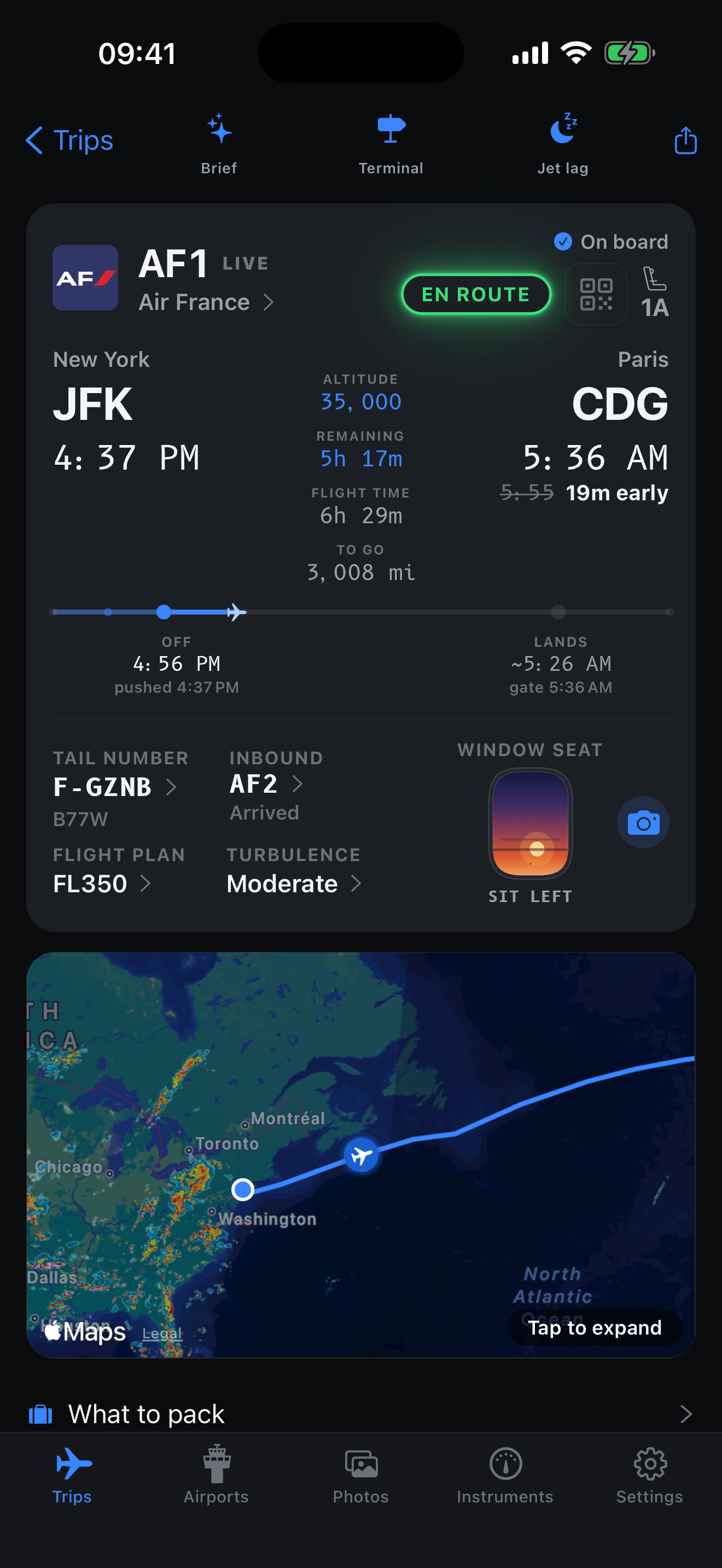
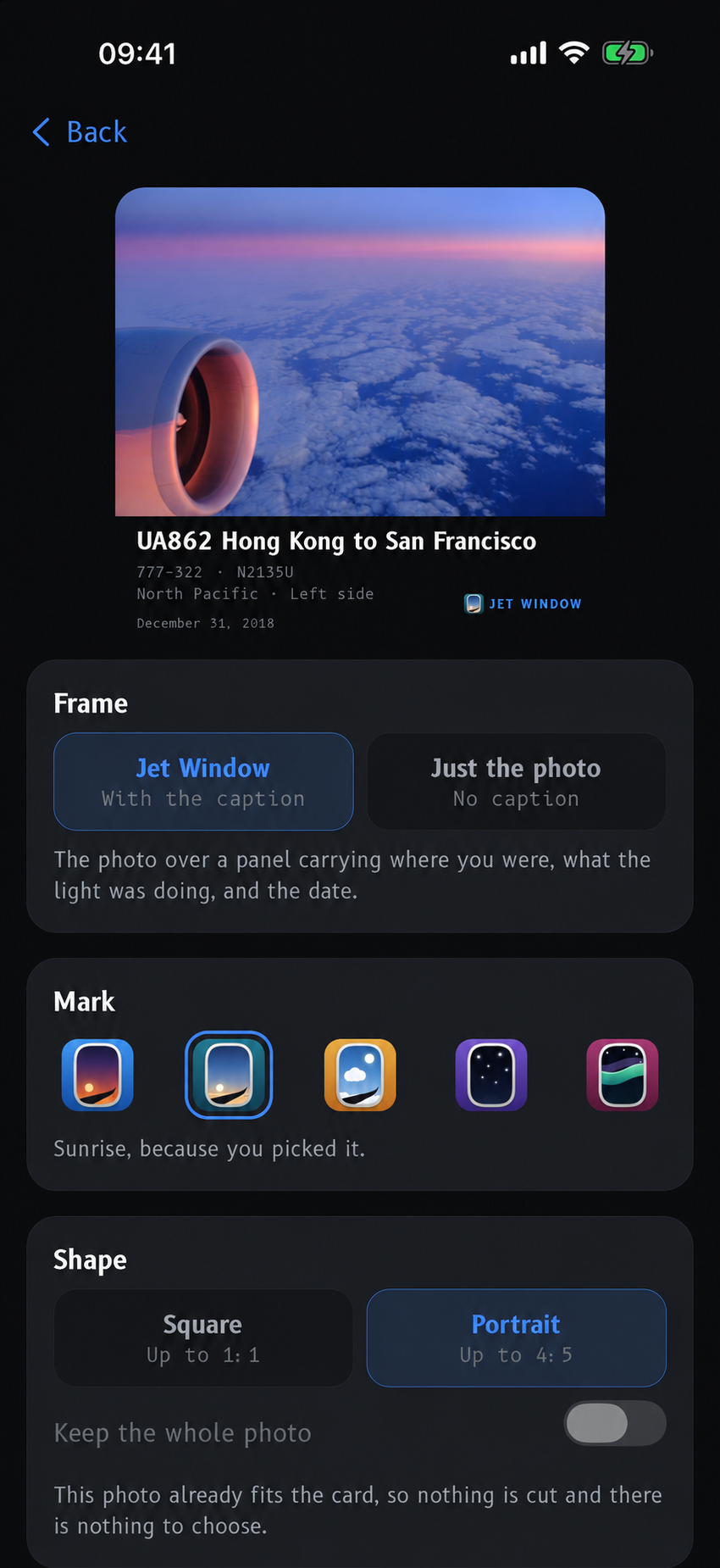
Jet Window walks your route as a great circle, samples it about ninety times between departure and arrival, and works out where the sun is at each point. Out of that comes one instruction, in large type: SIT LEFT or SIT RIGHT, with the reason. Sunset from the air en route. Sun on this side most of the flight. Or, honestly, night leg, either side works.

It also tells you the percentage of the flight in daylight, and which side to take if what you want is to avoid the glare rather than chase it.

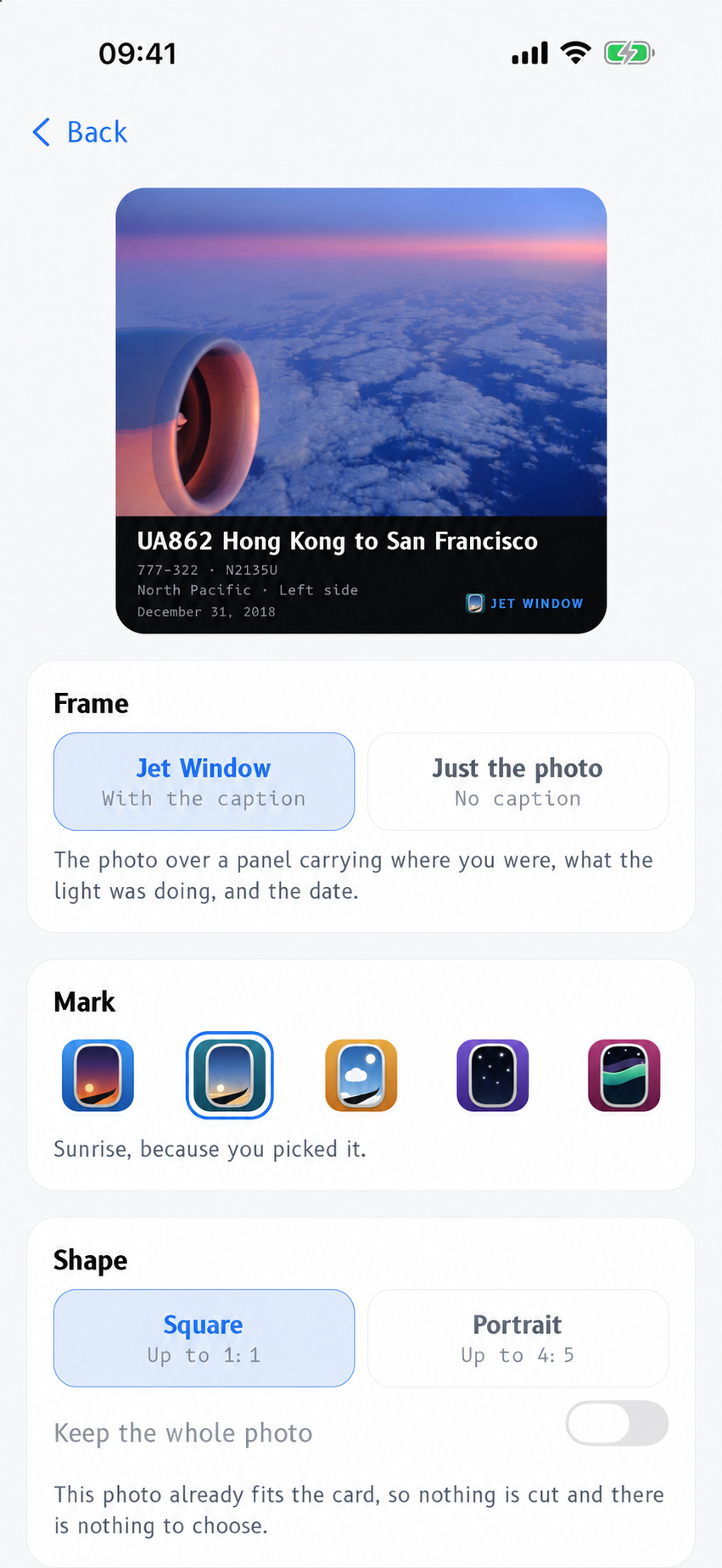
When the route climbs past roughly forty-five degrees of latitude and the cabin will be dark, it pulls the aurora forecast from NOAA and gives you the odds, the side to look, and the best window. The app draws the sky it expects as an actual cabin window: daylight, sunrise, sunset, night, or night with the aurora up.

Sides assume the typical great-circle track. Actual routing and runway flow can differ.

The disclaimer the app ships with

Timed to your route, tagged by side

  • Blue hour beginsLEFT / RIGHT
  • SunriseLEFT / RIGHT
  • Golden hour beginsLEFT / RIGHT
  • Golden hour endsLEFT / RIGHT
  • SunsetLEFT / RIGHT
  • Blue hour endsLEFT / RIGHT

Every event carries the side of the cabin it will happen on, in the time zone it happens in. Sunrise and sunset use the refracted horizon, golden hour runs to six degrees of sun elevation, and blue hour below that.

03 For photographers

Light, planned. Before you drive out there.

Every airport has a sun and light page: first light, blue hour, golden hour, sunrise, daytime, golden hour again, sunset, blue hour, last light. A nine row almanac on a twenty-four hour clock, in the field's own local time, colour coded by phase.

Under it, a map you can zoom and pan but not rotate, deliberately locked north up so the bearings read true. Sunrise direction, sunset direction and where the sun is right now are drawn out from the field. Tap anywhere to move the observer off the airport and check the light from the fence line, the car park, the hill on the far side.

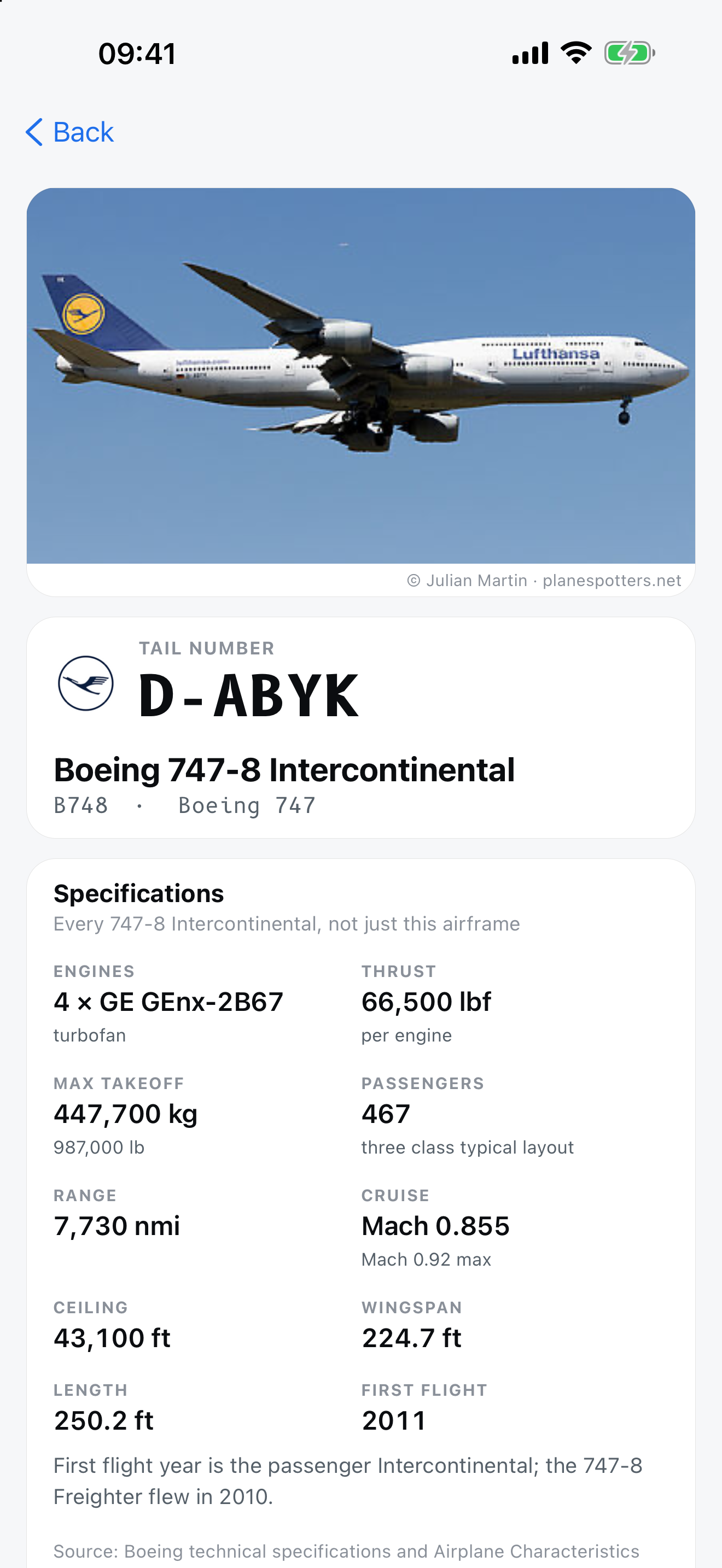
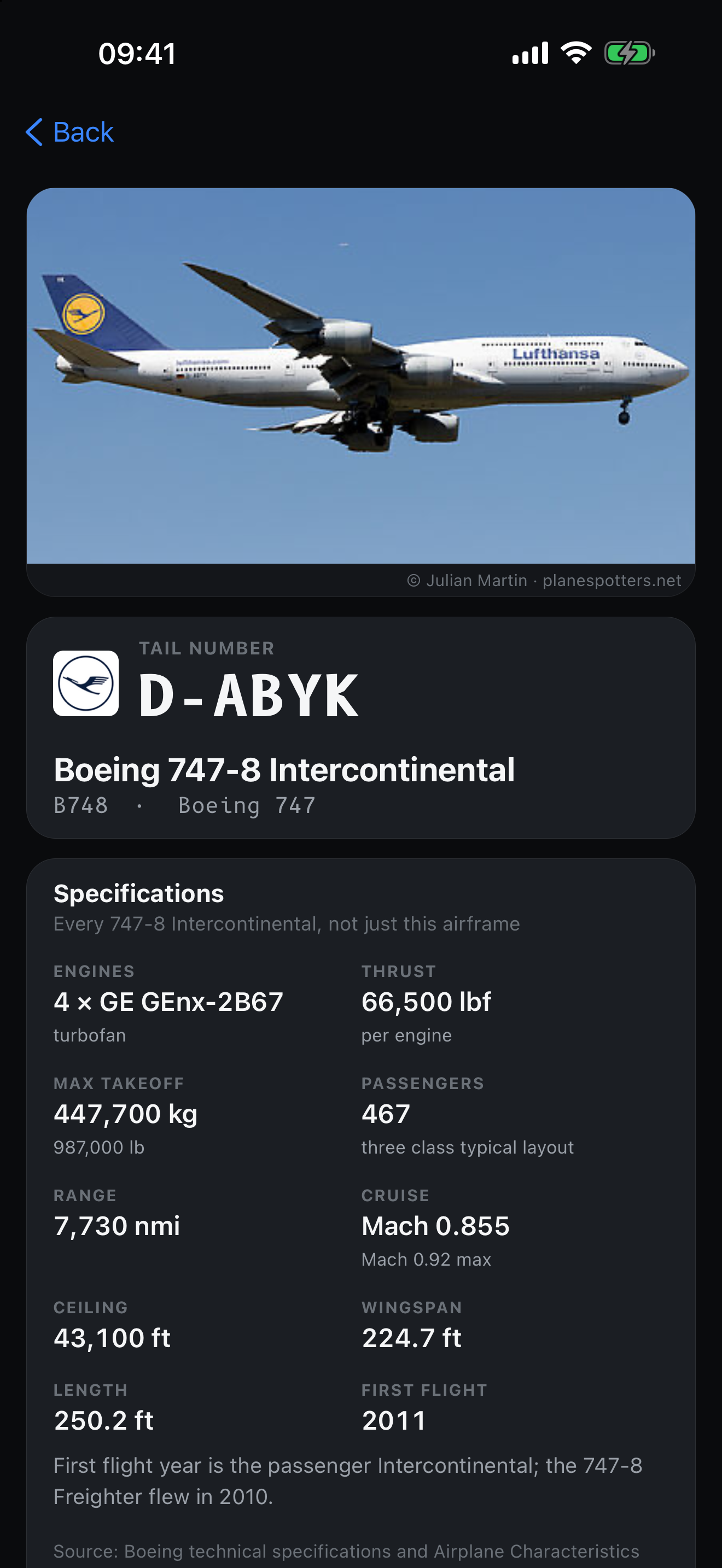
For the shot itself: curated takeoff and approach views at twenty-eight airports, thirty-eight in total, each tagged left, right or either with the runway flow it assumes. And every flight carries the aircraft type and tail number, so you know what is coming. Tap the tail and you get the airframe: type specifications for anything, and for US registrations the build year, age, serial and installed engine, with a photograph of that actual aircraft.

Some of this sits behind an AVgeek switch in Settings, so the app stays simple for someone who just wants to know if their flight is late.

04 The rest of it

Beautiful maps, and the substance underneath them.

  • Filed routeThe flight plan, as filed

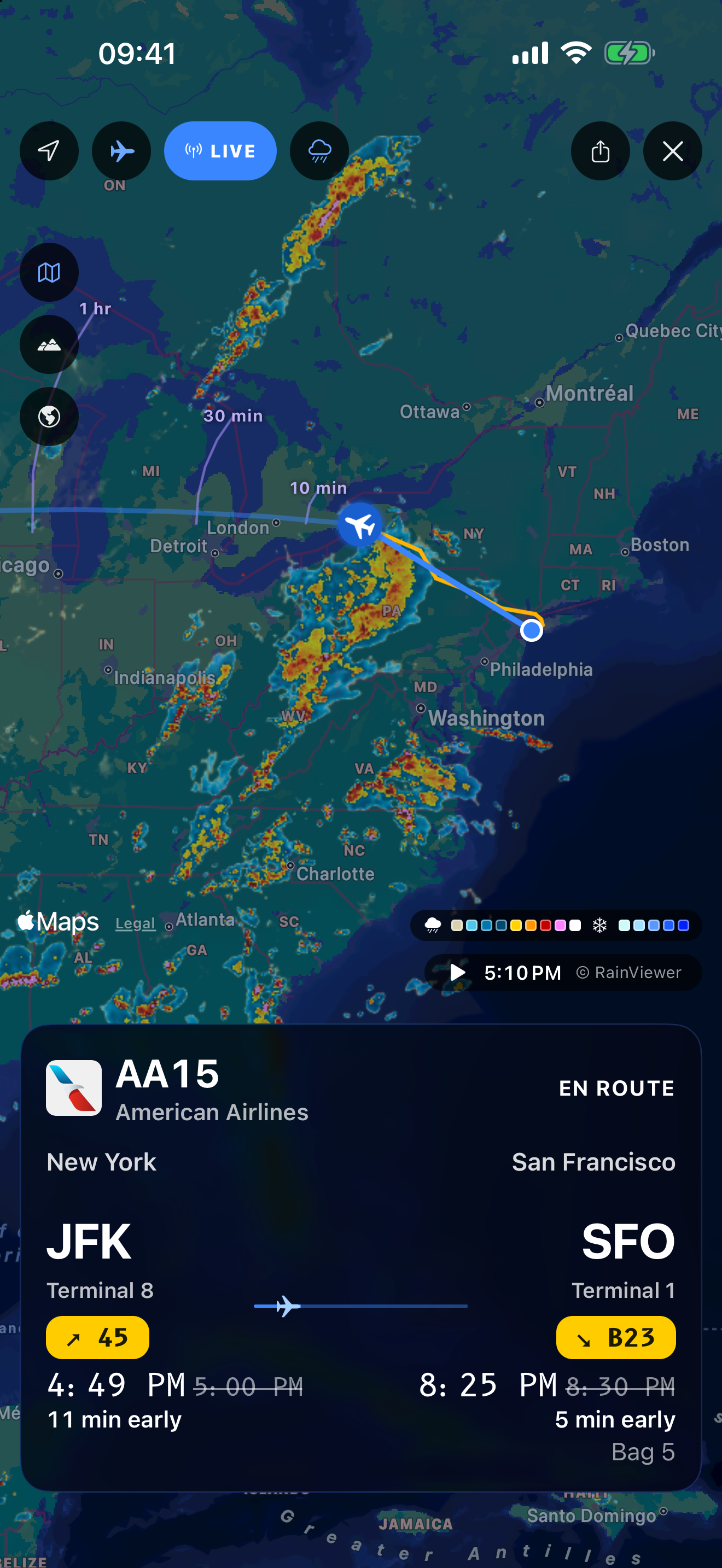
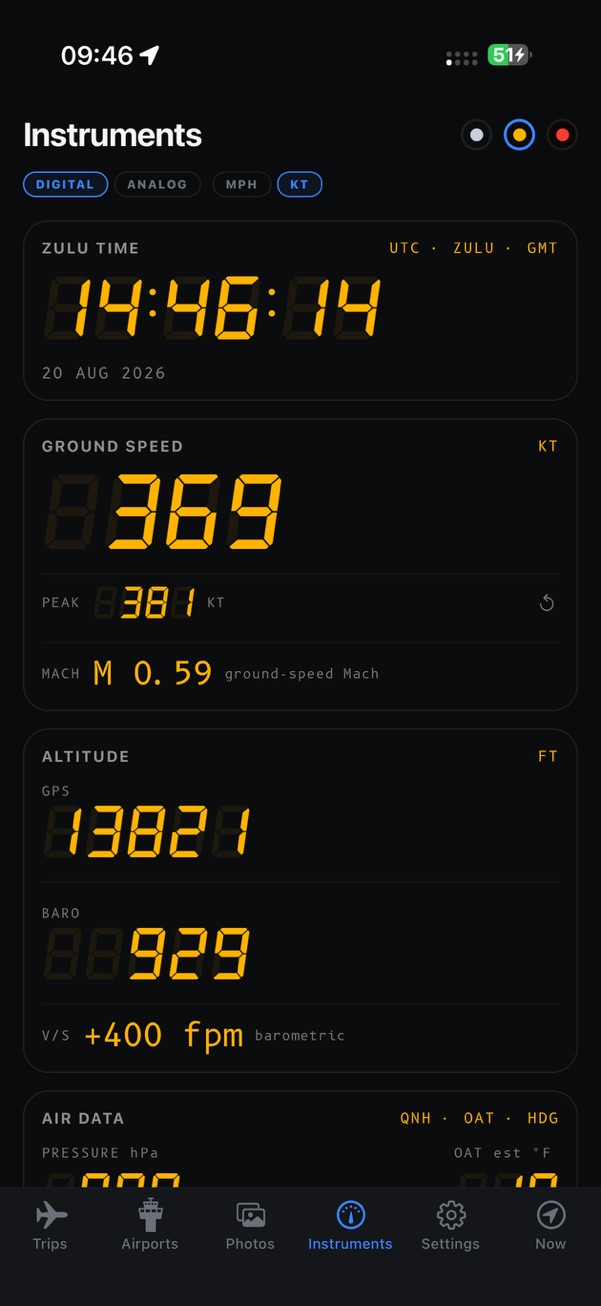
    Drawn the way the crew got it, airways, departures and arrivals included, with filed altitude, true airspeed and time en route. Then the track actually flown in amber over the top, dashed wherever the position was projected rather than observed, so you can see which is which. A day and night terminator sits under both.

  • Where it will bePosition, ten to sixty minutes out

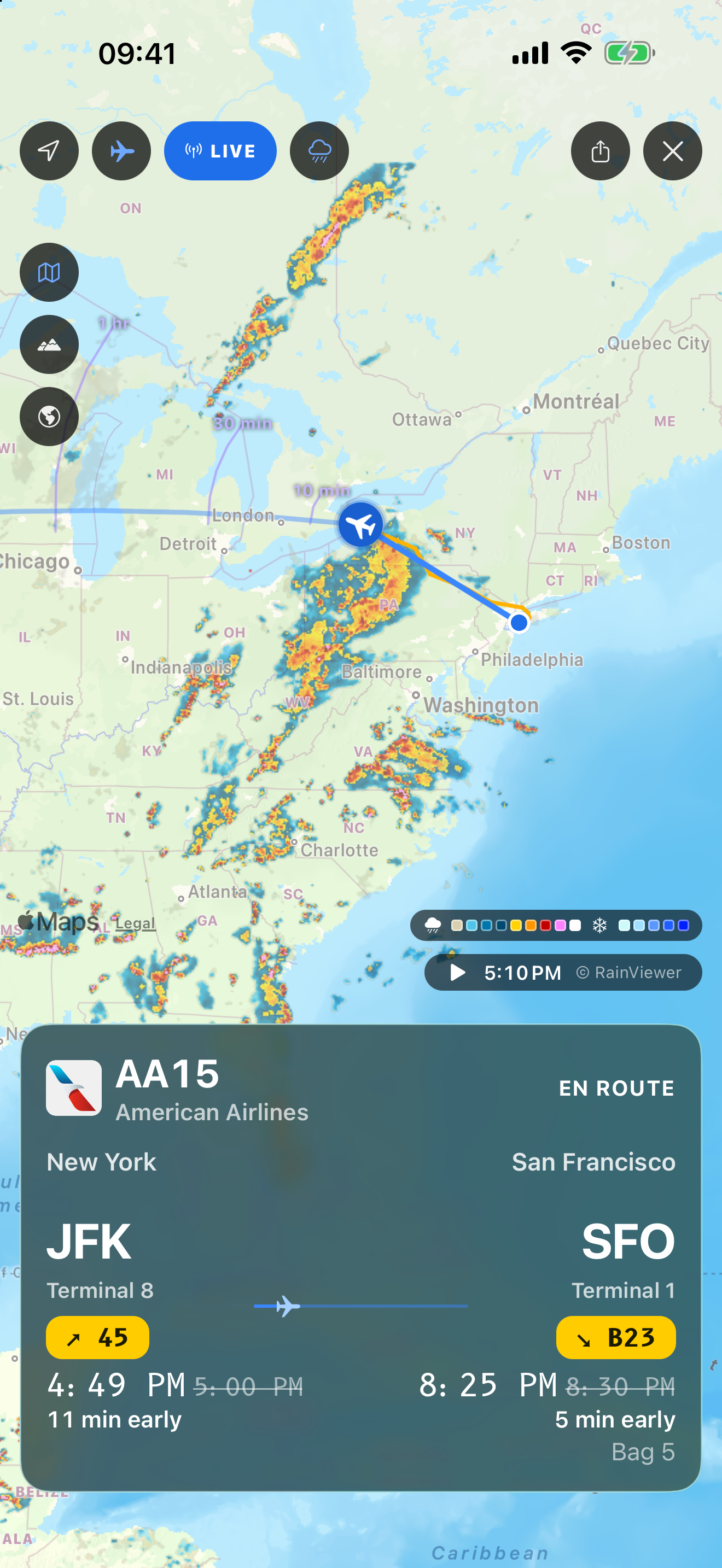
    Marks at ten, thirty and sixty minutes ahead, each with a twenty degree arc, because the heading is the uncertain part and not the speed. If groundspeed goes missing the marks disappear rather than invent a position.

  • Real timingsGate to gate, not schedule to schedule

    Scheduled, pushback, takeoff, landing, at gate. Actual times replace the estimates as they happen, and estimates stay visually marked as estimates until they do.

  • Live countersDeparts in, lands in, air time

    A progress bar on a long haul moves about six percent an hour, which is invisible. A counting clock is not. So you get departs in, arrives in, lands in, air time and block time, all live.

  • Airport boardsDepartures and arrivals, in amber

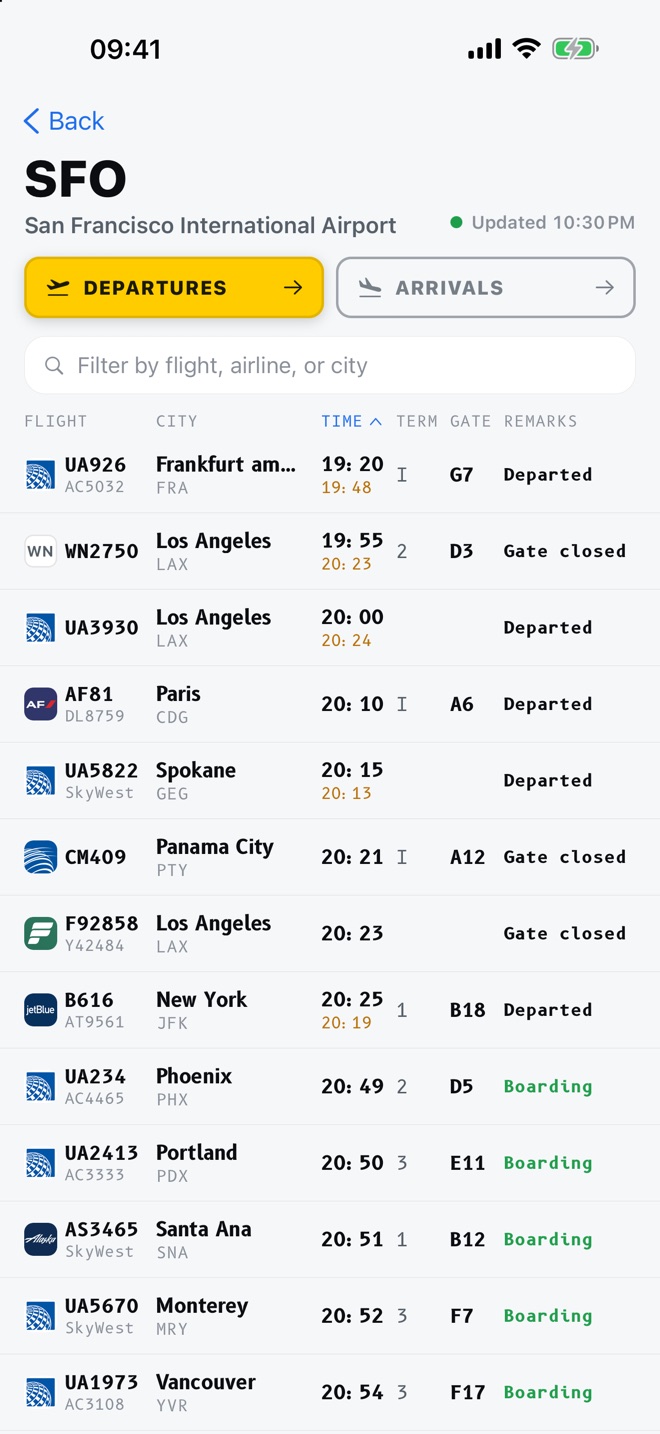
    The whole board for any airport in airport signage, including the gate column. Sort it, filter it, tap any row to follow that flight.

  • Runways and radioLength, surface, lighting, frequencies

    Every runway with its length, width, surface and whether it is lit, plus tower, ground, ATIS and approach frequencies, and links out to LiveATC and AirNav.

  • Weather and delay riskScored at both ends

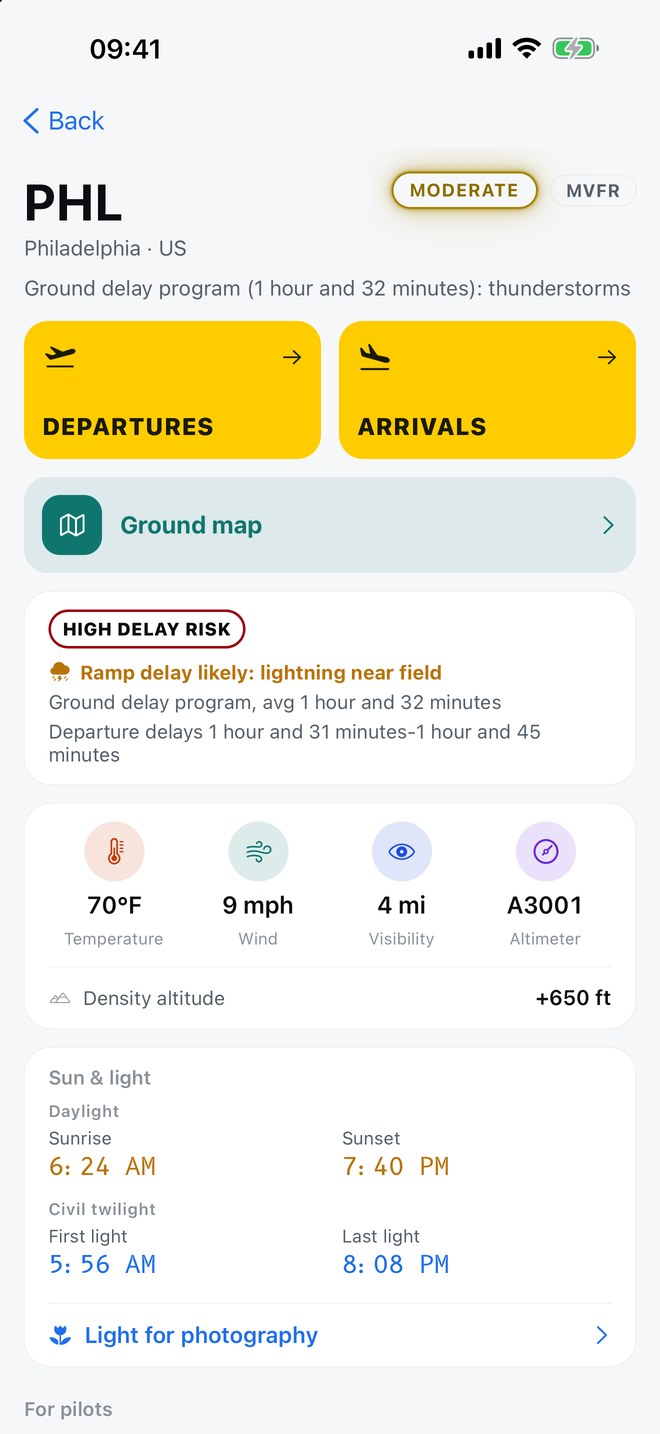
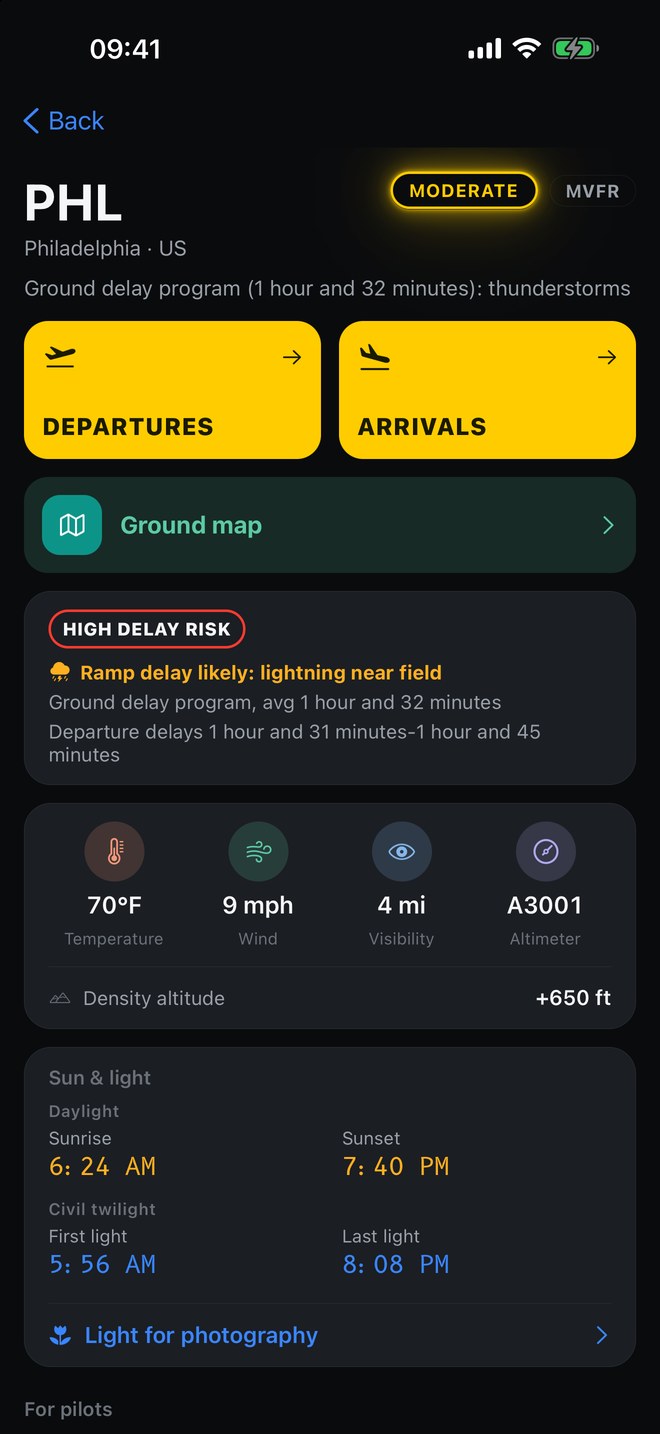
    A nought to one hundred risk score at origin and destination, fusing FAA operational status with live weather. Thunderstorms inside five miles show as a ramp delay warning, which is what they actually cause. FAA delay programme data is United States only.

  • ATIS, decodedPlain English, not the acronyms

    Digital ATIS at around eighty US airports, translated into a sentence anyone can read, with the runways in use, closures and hazards pulled out as bullets.

  • Hazards aloftTurbulence and icing over the field

    Significant meteorological reports and pilot reports covering the airport, urgent ones flagged, with the raw text one tap away. Density altitude comes off the live observation.

  • Jet lagA plan for shifts over three hours

    Anything past a three hour change gets a day by day light and sleep plan, advancing an hour a day flying east and an hour and a half going west, computed on the phone. General wellness guidance, not medical advice.

  • PhrasebookEighteen phrases, twelve languages

    The things you actually say in a terminal, grouped by situation, working offline, in the language of wherever you just landed.

  • Cabin chimeTen thousand and eighteen thousand feet

    The chime, at the altitudes it belongs at, read from GPS rather than the phone's barometer, which only ever measures the cabin. And a ForeFlight export of the filed waypoints, if that is your kind of flight.

05 Screens

What it actually looks like.

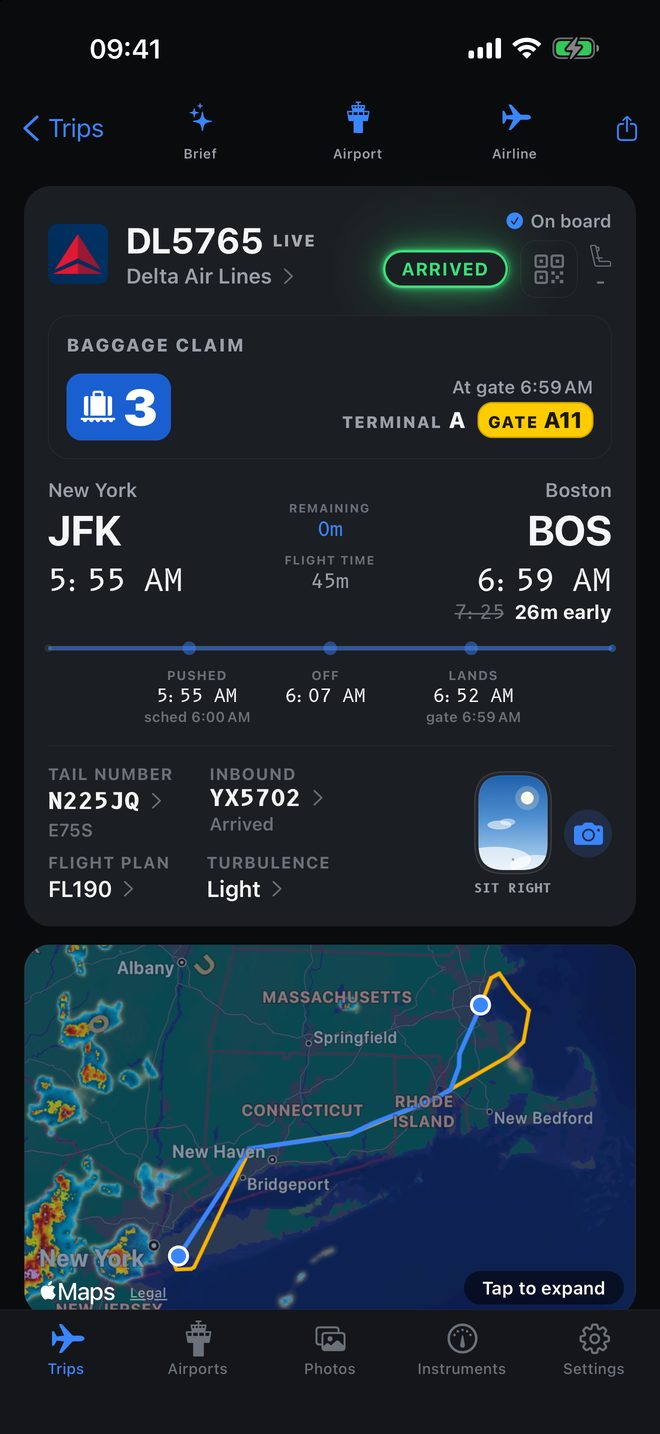
Flight detail for UA1 San Francisco to Singapore, showing gates, a live countdown to landing, the filed route and the path flown.
One screen: gates, the countdown to landing, and the route as filed under the track actually flownUA1 SFO to SIN, en route
The same flight with the aircraft over the North Pacific, the filed route in blue and the flown track in amber.
The cabin window in the corner shows the sky you will actually see, here a night crossingFiled route in blue, flown track in amber
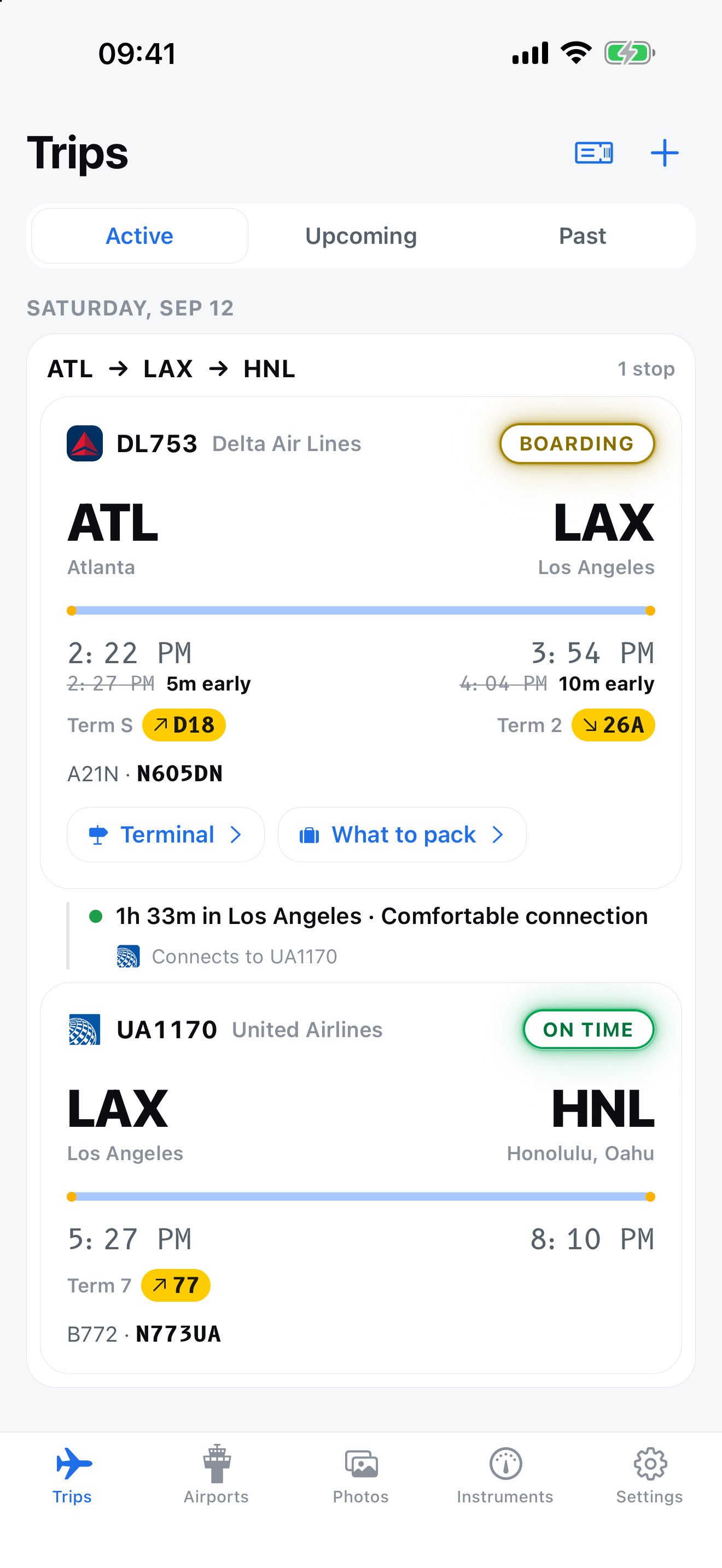
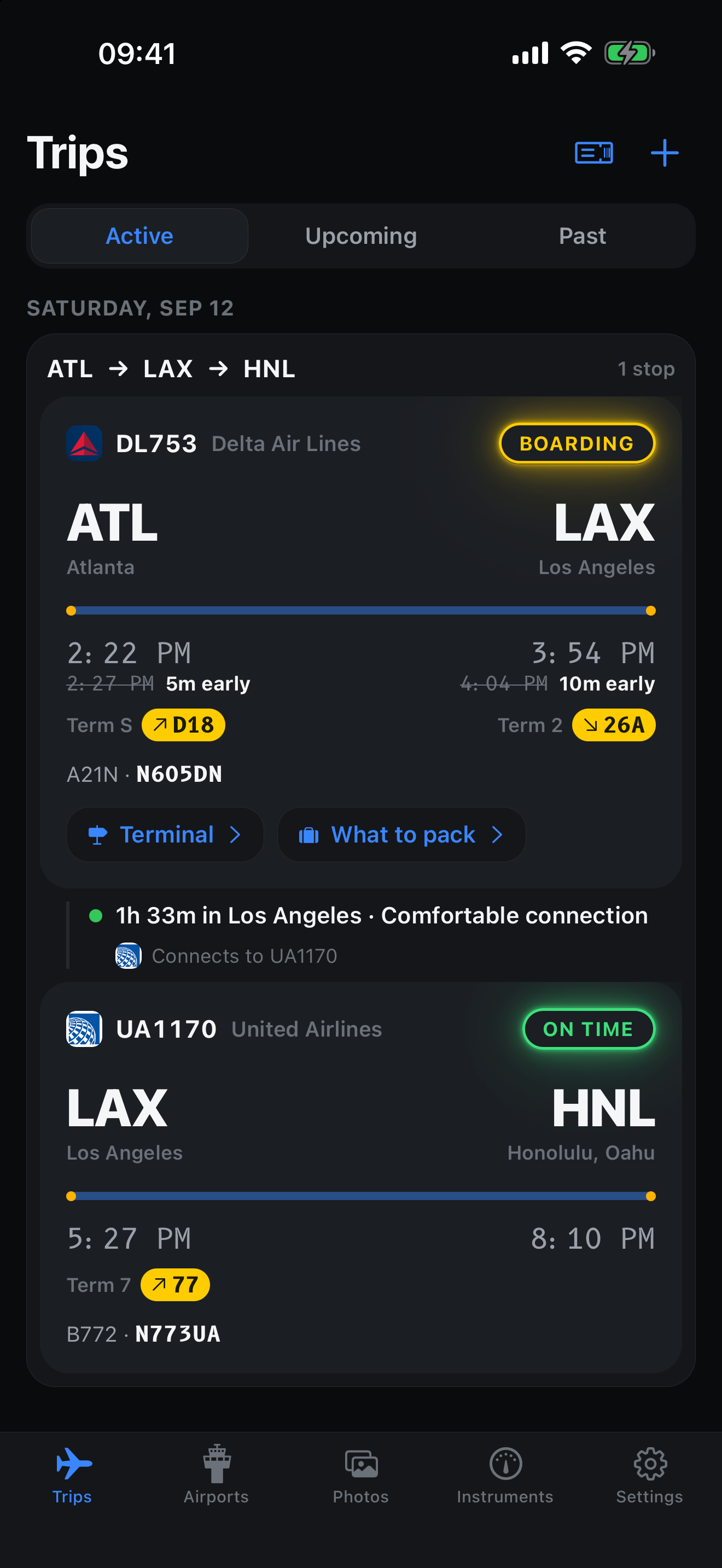
The trips list showing an active flight with terminal, gate and revised times.
Your trips, with the gate and the revised time before the airline announces itActive, upcoming and past

Three portrait captures at 1320 by 2868, the 6.9 inch iPhone App Store size. Drop them in /shots/ under those names and swap each placeholder for an <img>. Anything with the same 1320:2868 ratio will fit.

06 First Class

Fly like you have someone in the tower.

The free app is the whole aircraft: tracking, the maps, the filed route, the window seat, the airport boards, the aircraft and airport detail, the phrasebook. Nothing is held back to make a point.

First Class is the part that reaches you when you are not looking at your phone, which is exactly the moment a delay matters.

In every copy

Jet Window

Free, and substantial.

  • Flight trackingStatus, gate, terminal, and gate to gate timings from real pushback and touchdown.
  • Maps and the filed routeThe plan as filed, the track flown over it, ten, thirty and sixty minute predictions.
  • Window seatSit left or sit right, sun events by side, aurora odds, the cabin window sky.
  • Airport boardsDepartures and arrivals with the gate column, sortable and filterable.
  • Airports and airframesRunways, frequencies, weather, delay risk, aircraft type, tail number, photograph.
  • Sun and light planningThe nine phase almanac, the north locked map, movable observer point.
  • PhrasebookTwelve languages, offline, chosen for where you land.

First Class adds

Everything above, plus

The things that find you first.

  • Push alertsGate changes, delays, cancellations, boarding, departure and landing, generally before the airline sends its own.
  • Leave for the airportOne notification, timed off the live estimate and your inbound aircraft rather than the printed schedule.
  • Live ActivitiesThe flight on your lock screen and in the Dynamic Island, counting down, no app to open.
  • Itinerary importPaste a confirmation or add a screenshot of one. Every leg tracked at once.
  • AI flight briefOne tap for what is actually going on with your flight, in plain English.
  • Live aircraft positionReal position and progress along the route, not an interpolated guess.

Pricing is not set yet, and neither is the final line between the two tiers. When Jet Window reaches the App Store, both will be stated plainly here before anyone is asked to pay anything.